Pick what can wait
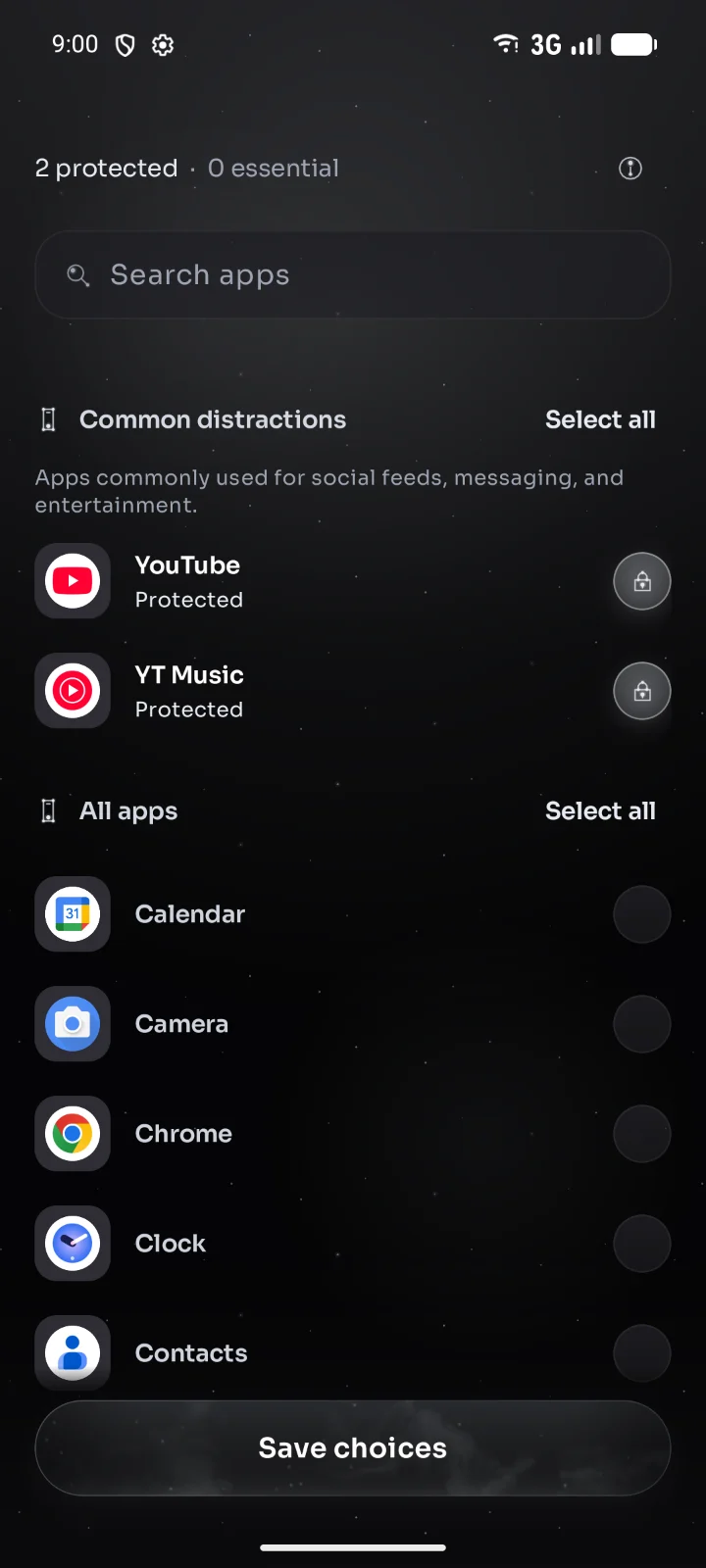
Games, feeds, anything that pulls you in. Mark the apps you need as essential and they stay open.
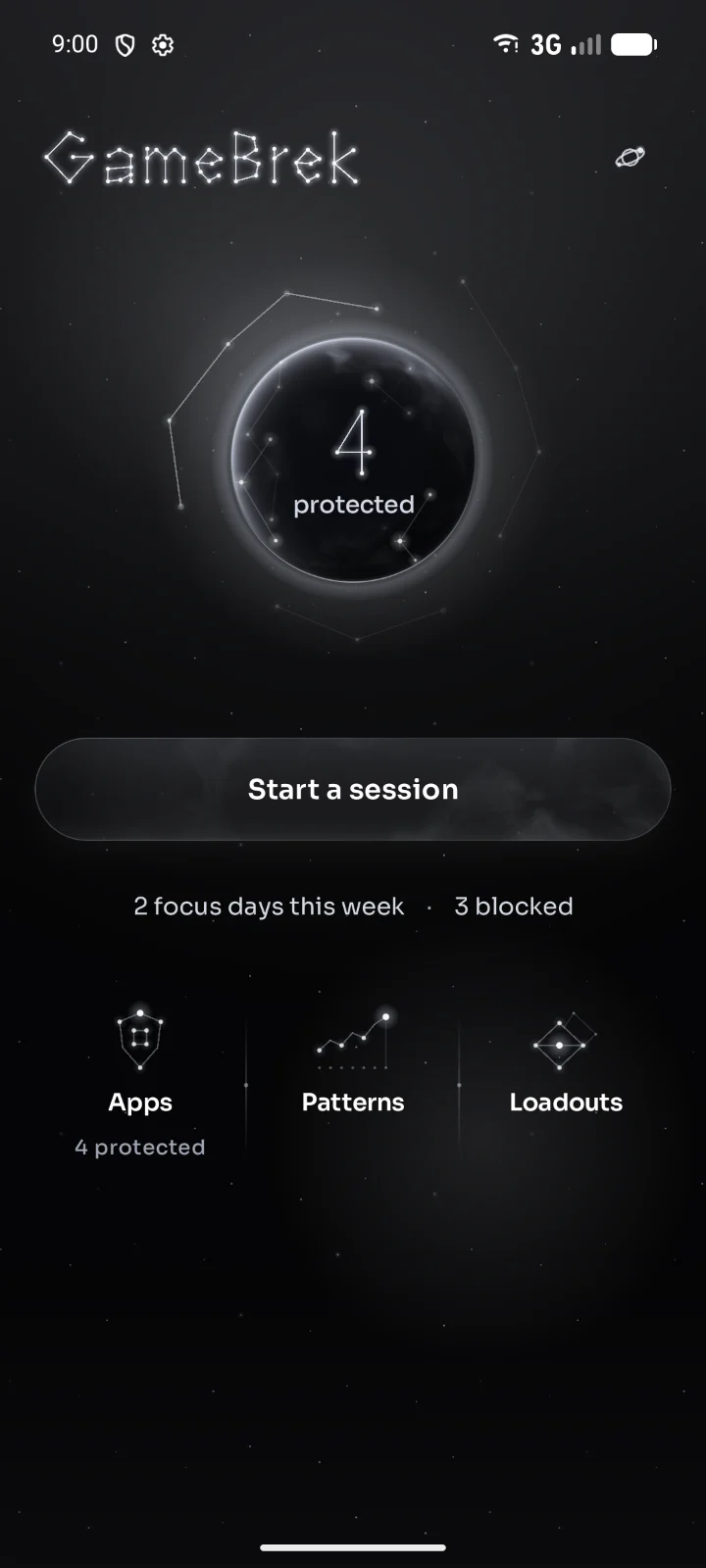
GameBrek is the app blocker for gamers. Pick the games that can wait and set a timer. Open one during the session and it’s paused until the timer ends. Each session adds a star, and over time your sky shows which lengths and hours work for you.
Free on Android. No account needed. Your games stay installed.
Deleting the game doesn’t last, and a reminder is easy to swipe away. GameBrek takes the decision you made at a calm moment and keeps it in place when the game is one tap away.
Games, feeds, anything that pulls you in. Mark the apps you need as essential and they stay open.
Take the suggested length or choose your own.
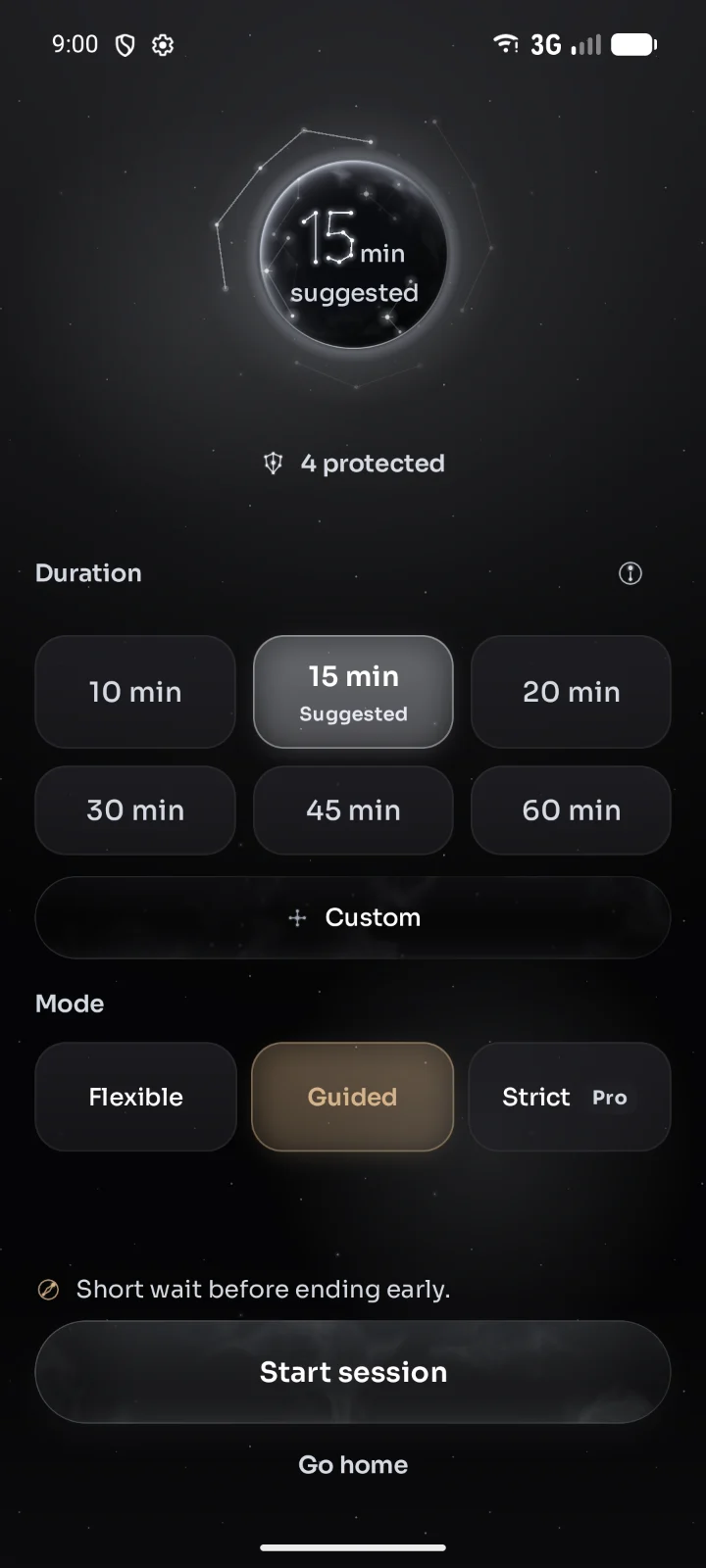
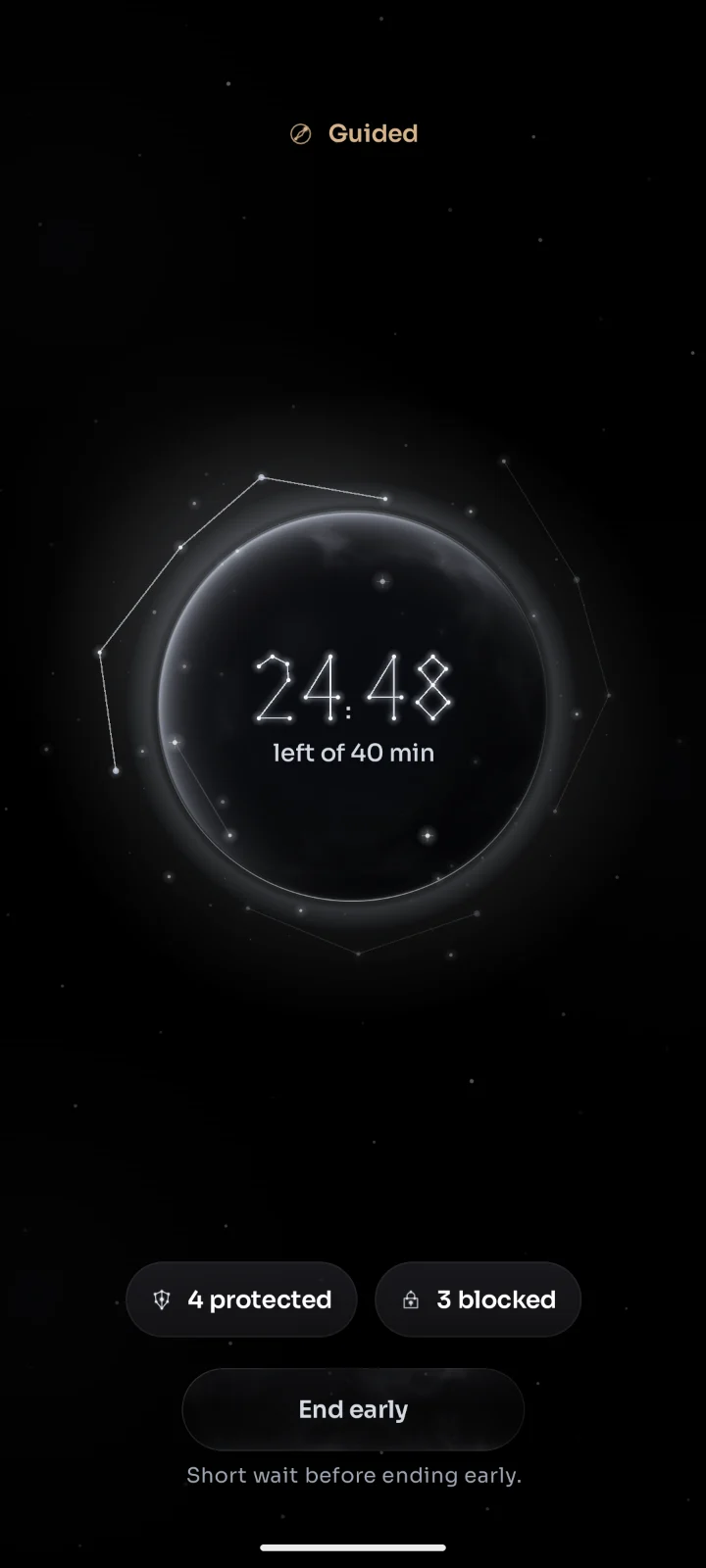
The time left and the number of blocked attempts stay on screen until you’re done.
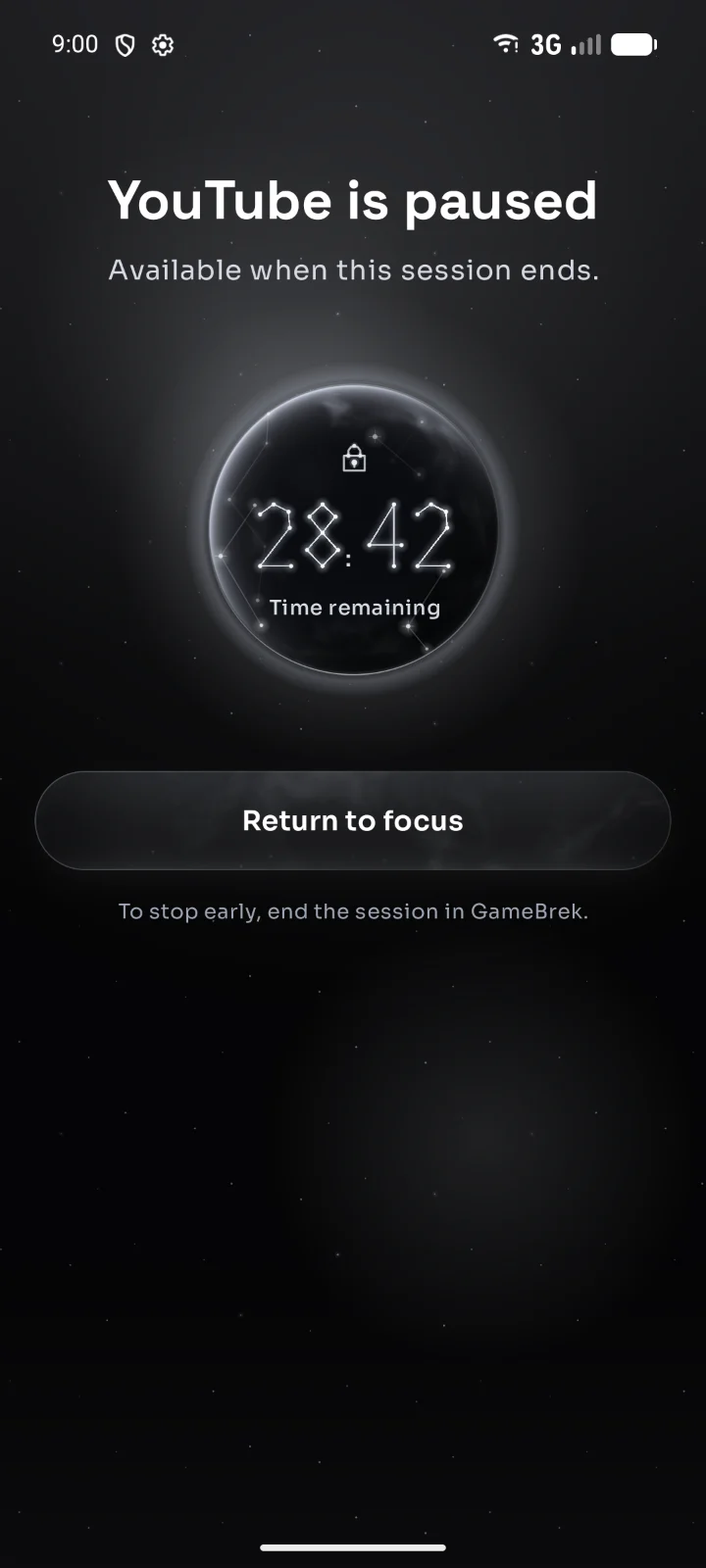
Some evenings you need a nudge. Before an exam you may want no way out. Pick per session.
End anytime.
An 8-second wait before you can end early. Often enough to change your mind.
No early end. For a real exception, you can open that one app for 1 to 5 minutes, at most twice an hour.
Calls, your phone app and Settings are never blocked, in any mode.
A 45-minute target means little if you usually stop at 20. GameBrek suggests a length for today and tells you whether that comes from a starter rule or from real history.
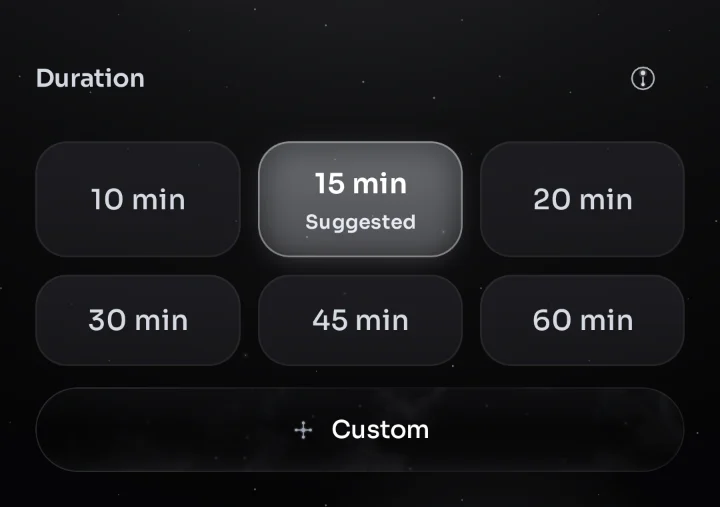
Free, from your first session. At first it’s a simple rule, and the app says so. From your 15th verified session, a small model on your phone also weighs the hour, the day, how recent sessions ended and how often you reached for a blocked app.
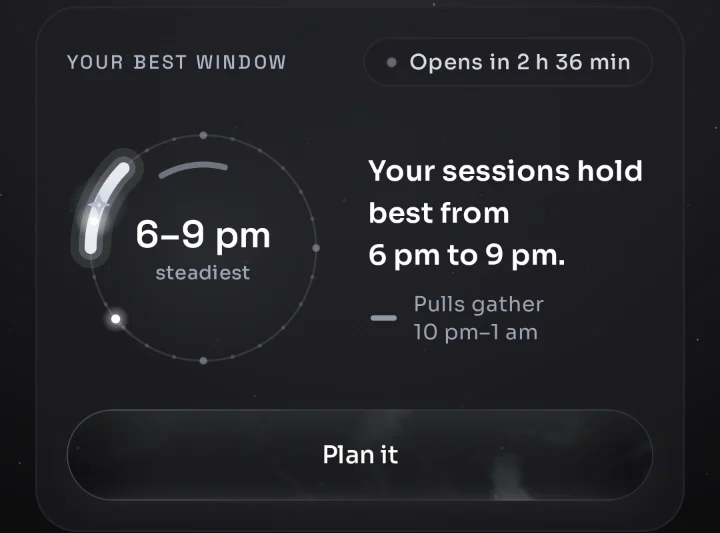
Your finish rate by time of day, over the last 28 days. Until there are enough sessions on different days to mean something, it says it’s still forming.
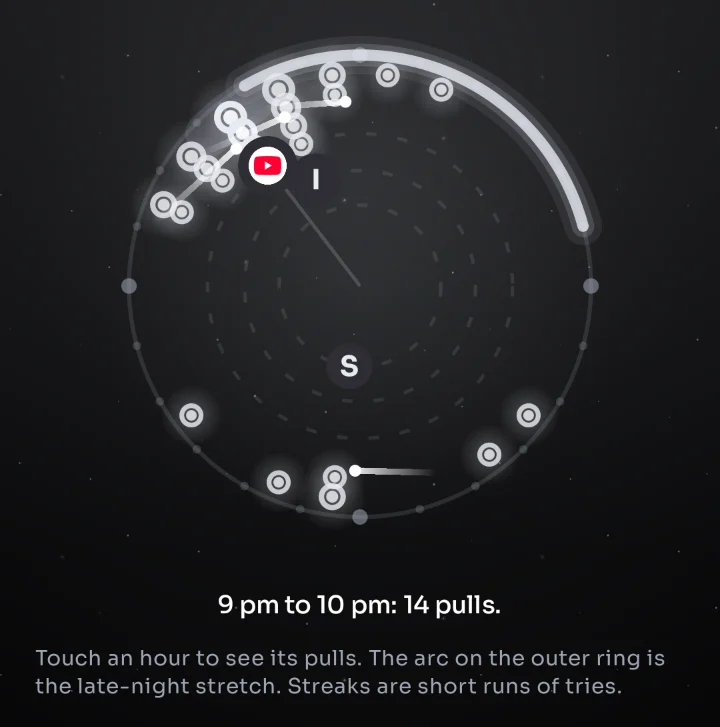
Every blocked attempt, placed on a 24-hour dial. You may find the pull has less to do with a game than with one hour of the night.
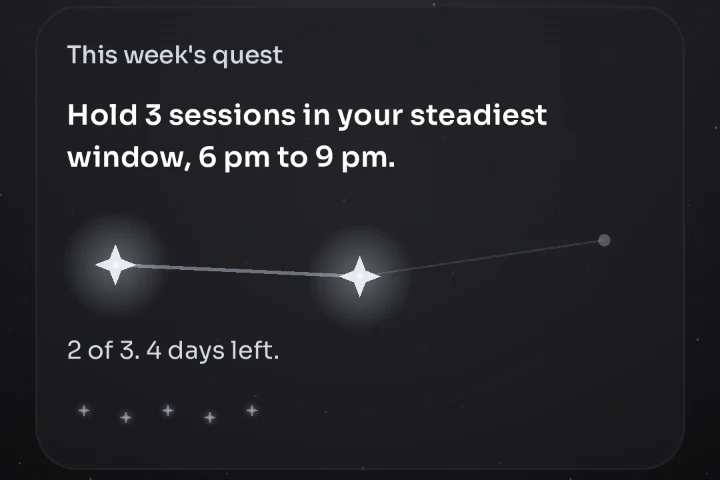
One target drawn from your own history, such as three sessions inside your best window. It earns 8 Glow, and it can be missed without penalty.
Screens show sample data. Suggestions are worked out on your phone, and you can always choose a different length.
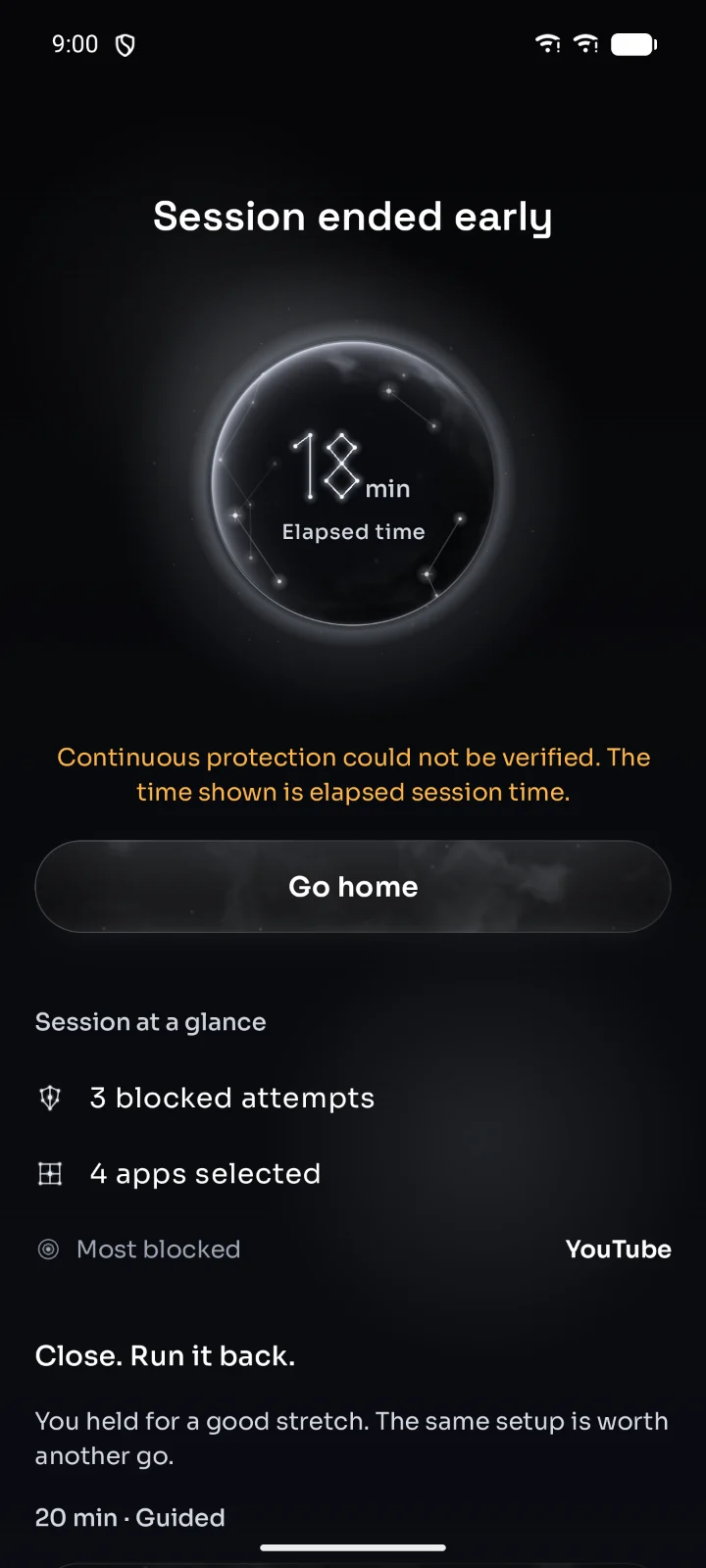
Android can shut down an Accessibility service without warning, and a blocker that has stopped working looks exactly like one that’s working. GameBrek checks during every session and notifies you if it can’t confirm protection was running.
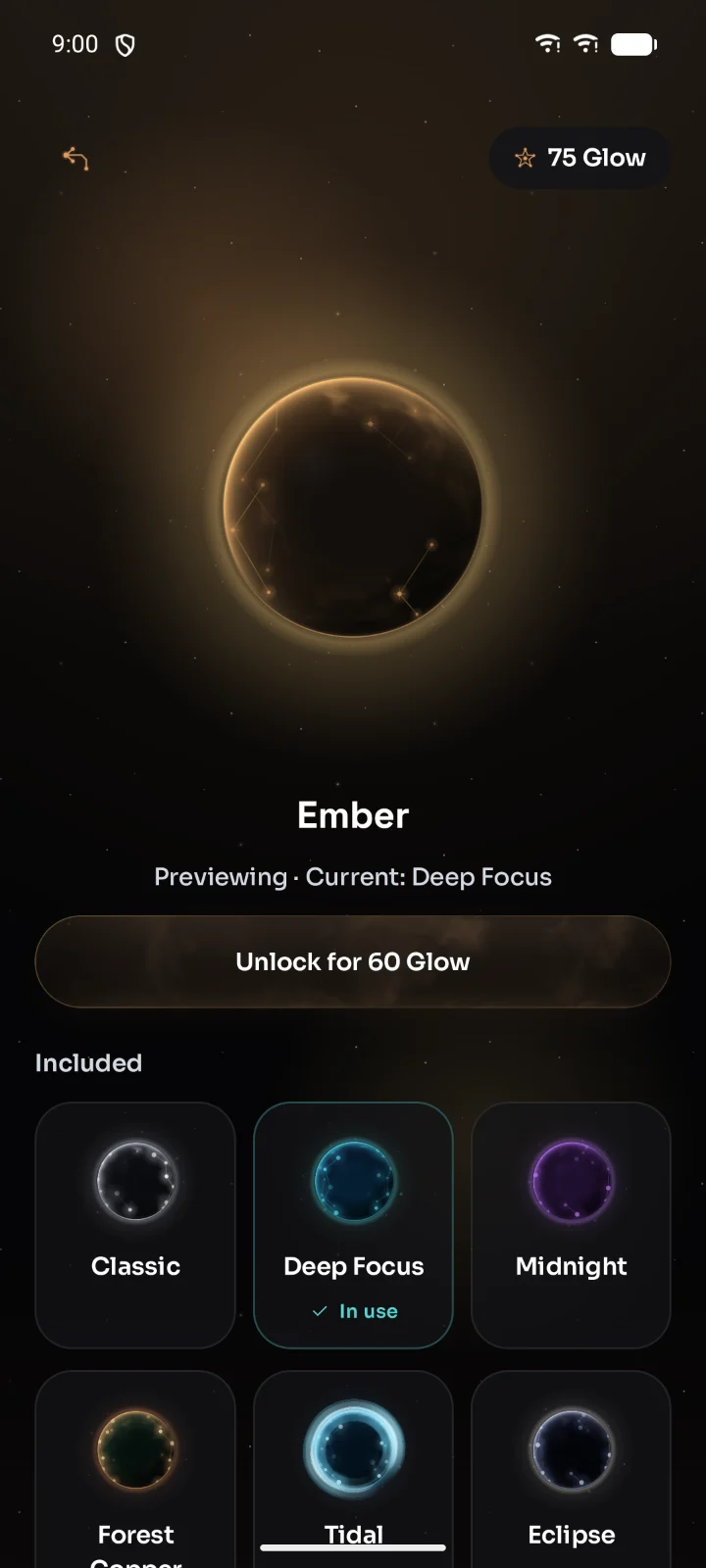
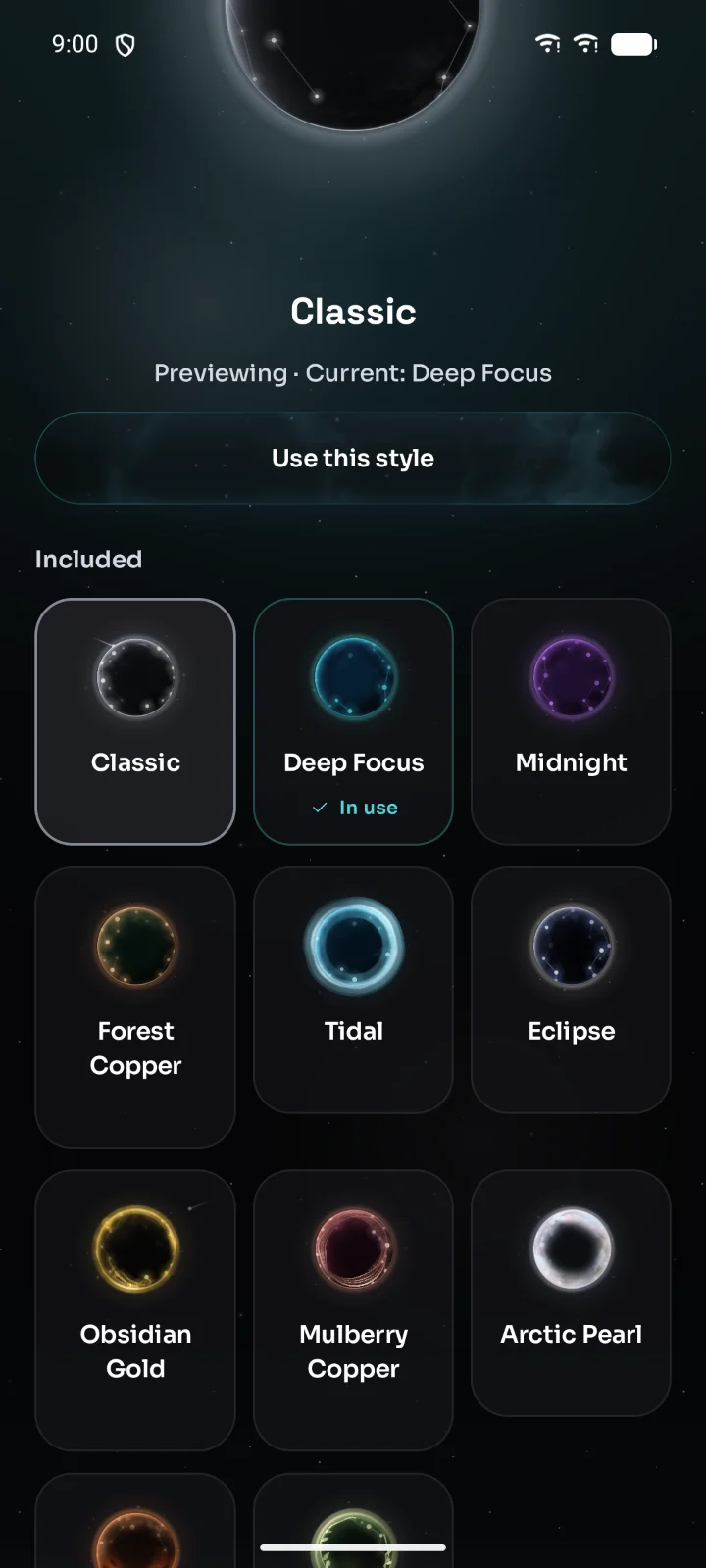
The Orb holds your timer during a session, and its style sets the colour of the whole app. Finished sessions earn Glow, and Glow pays for new styles.
There’s nothing here about quitting. You can plan your next play and set a reminder for it. A plan is only a note to yourself, though, and it never unlocks anything.
Accessibility and Usage Access tell GameBrek which app is in the foreground. The Accessibility service is declared with window-content access turned off, so it doesn’t read messages, passwords, keystrokes or anything on your screen.
Read the Accessibility explanationNo account is needed, and your session history is stored on your phone. Crash reports are sent so bugs can be fixed. Sharing learning data is optional and off unless you turn it on, and it never includes the names of your apps.
Read the Privacy PolicyBlocking is free. Pro is for firmer sessions and a closer look at your history.
Strict mode, and saved loadouts that start around the time you set.
Best window, Pull Map, a weekly quest, and all five cards of the weekly Starfall recap.
Every session as a star, plus a poster to share that shows no app names or times.
Seven Pro-only styles, marks that build up with your history, and the Reactive Orb, which moves with the sound around you. It uses the microphone only if you turn it on, and no audio is saved or sent.
Free includes blocking, Flexible and Guided modes, suggested lengths, saved loadouts with reminders, nine Orbs you can start with or earn, and your last 7 days of sky.
Your first star is 25 minutes away.